Manager Guide
This guide is for Managers and Heads of Department (HODs) who are responsible for reviewing their team's KPI evaluations and submitting probation assessments for direct reports.
You do not need any technical background to use this system. This guide walks you through every step with plain instructions.
What Can You Do in the System?
As a Manager or HOD, your main responsibilities in the HRMS are:
| Task | Where to Do It |
|---|---|
| Review and score your team's KPI evaluations | KPI Reviews |
| Submit probation assessments for new joiners | Probation Reviews |
| See your pending tasks in one place | Actionable Items |
| Browse your team's reporting structure | Org Chart |
Your Manager Dashboard
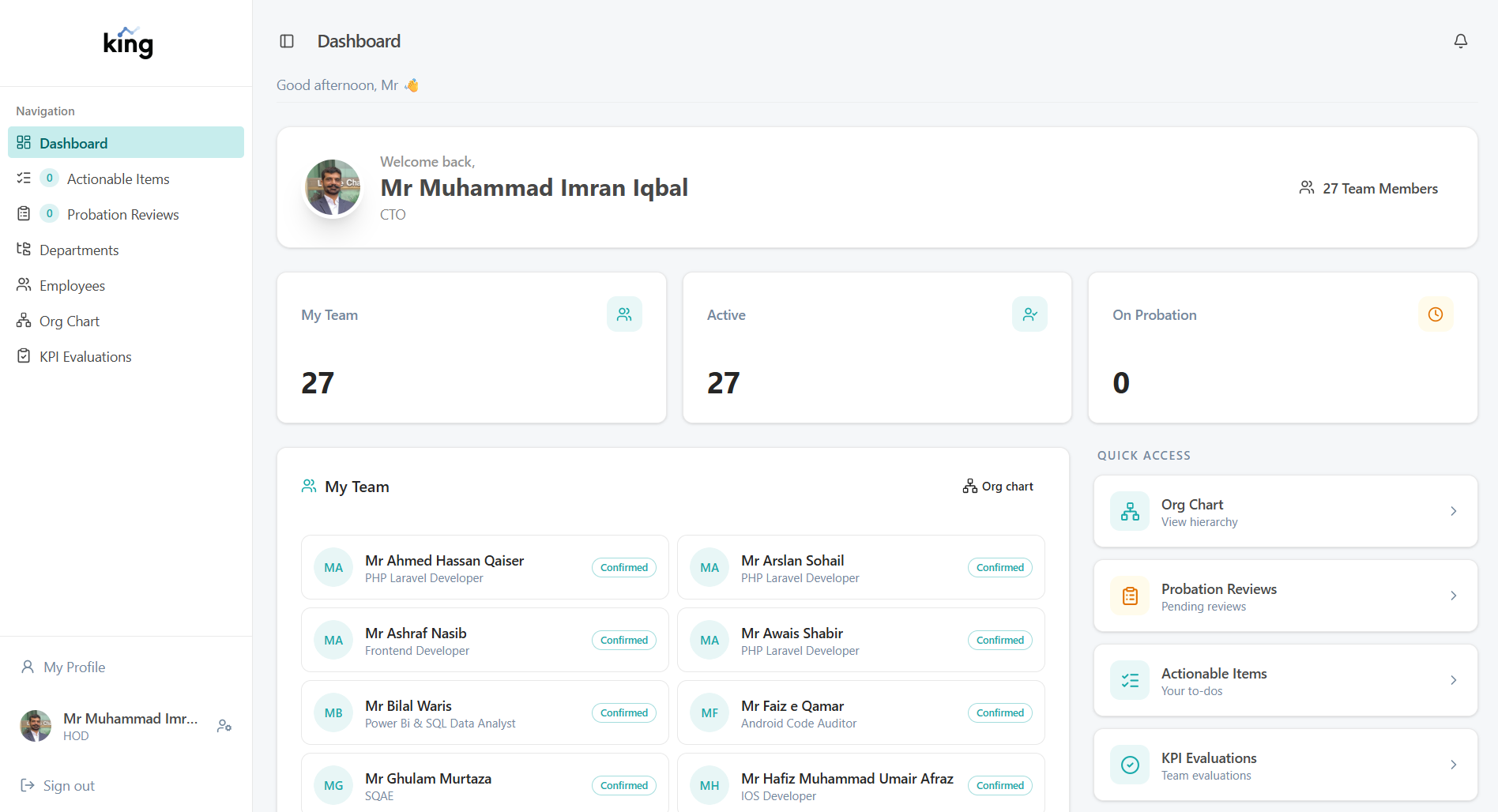
Your Actionable Items Queue
The fastest way to stay on top of your responsibilities is the Actionable Items page. Every time an employee submits their KPI self-assessment or a probation review is assigned to you, it will appear here. Think of it as your to-do list inside the system.
The sidebar shows a count badge so you always know how many items are waiting.
Guide Contents
| Page | What It Covers |
|---|---|
| Actionable Items | Your task queue — what is waiting for your action |
| KPI Reviews | How to review and score your team's KPI evaluations |
| Probation Reviews | How to submit a probation assessment for a new joiner |
| Org Chart | Viewing your team's reporting structure |