Actionable Items
Actionable Items is your personal task queue. It collects every pending action that requires your attention across the system — so you never have to hunt through different sections to find what needs to be done.
Accessing Actionable Items
Click Actionable Items in the left sidebar. The sidebar badge shows the number of pending items waiting for you — this number decreases as you complete tasks.
What Appears in Your Queue
As an employee, the following types of items will appear in your Actionable Items list:
| Item | What You Need to Do |
|---|---|
| KPI Self-Assessment Pending | A new KPI evaluation has been assigned. Open it and submit your self-assessment. |
| KPI Evaluation — Response Required | HR has completed their review of your evaluation. Open it and accept or dispute the result. |
Working Through Your Queue
- Open Actionable Items from the sidebar.
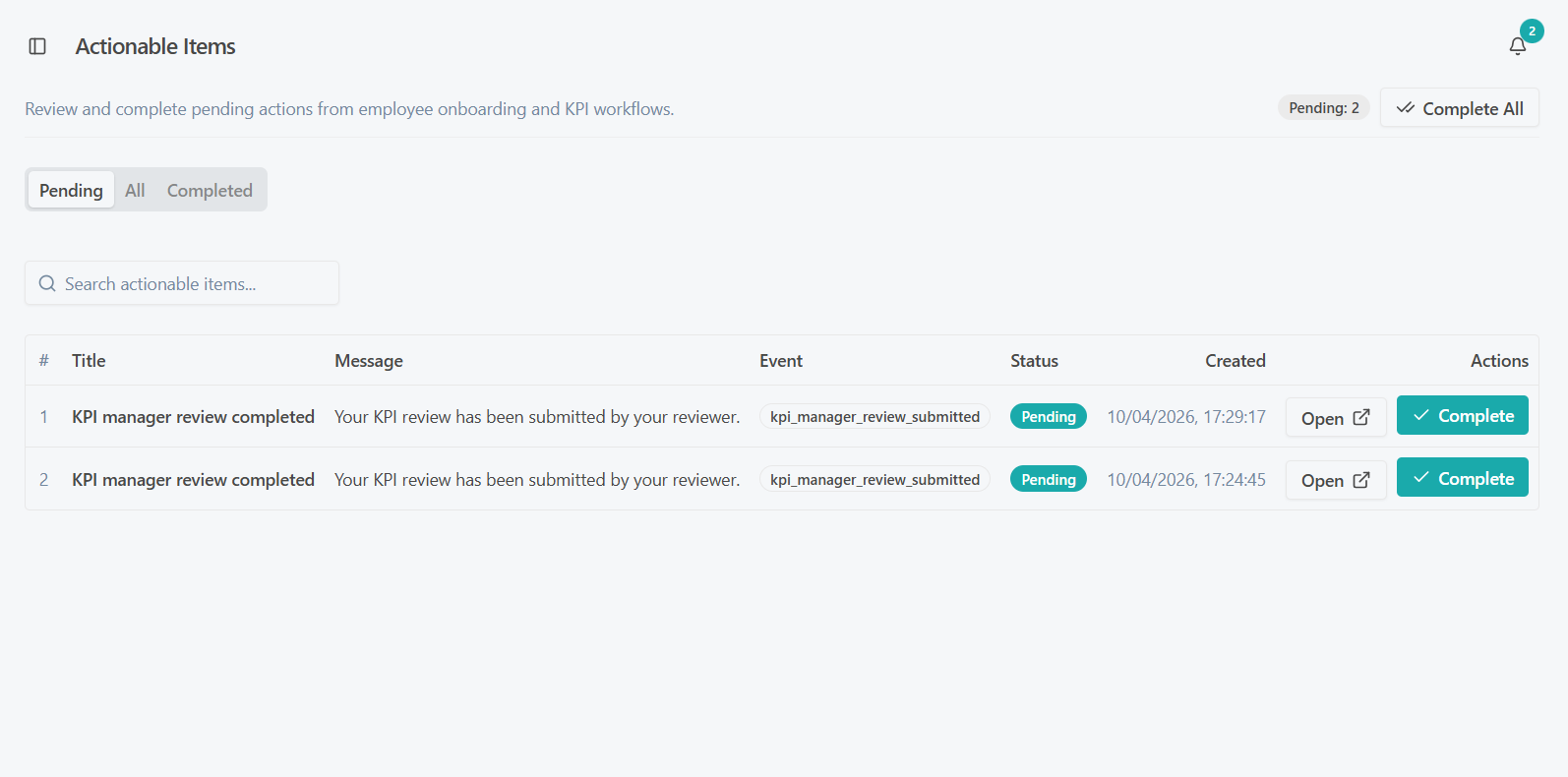
- Each row shows:
- The type of action required
- The subject (e.g., which evaluation or review)
- The current status of that item
- When it was created or last updated
- Click any row to go directly to the relevant page and take action.
There is no need to remember which section to visit — Actionable Items takes you straight there.
Actionable Items queue
Keeping Your Queue Clear
A clean Actionable Items queue means you are up to date with all your responsibilities. Aim to action items promptly — delays in your self-assessment, for example, can hold up the entire evaluation workflow for your manager and HR.
Check your Actionable Items queue at the start of each working day. The sidebar badge gives you an instant count, so you will always know if something needs attention.
Filtering the List
You can filter the list to show:
- Pending — items that still require action from you
- All — everything, including completed items
By default, the view shows pending items only.